Etsy Product Photography in 2026: What You Need to Know
How to Use Etsy's 20 Photo Slots
Did you know Etsy recently increased the maximum number of photos per listing from 10 to 20? And yet a lot of sellers are still only uploading 1-2 pictures of their products. That's a huge missed opportunity and you risk losing buyers by not giving customers the information they need.
You don't need to fill all 20 slots for every product, but listings with 7 or more photos generally convert better. Here's how to think about each one.
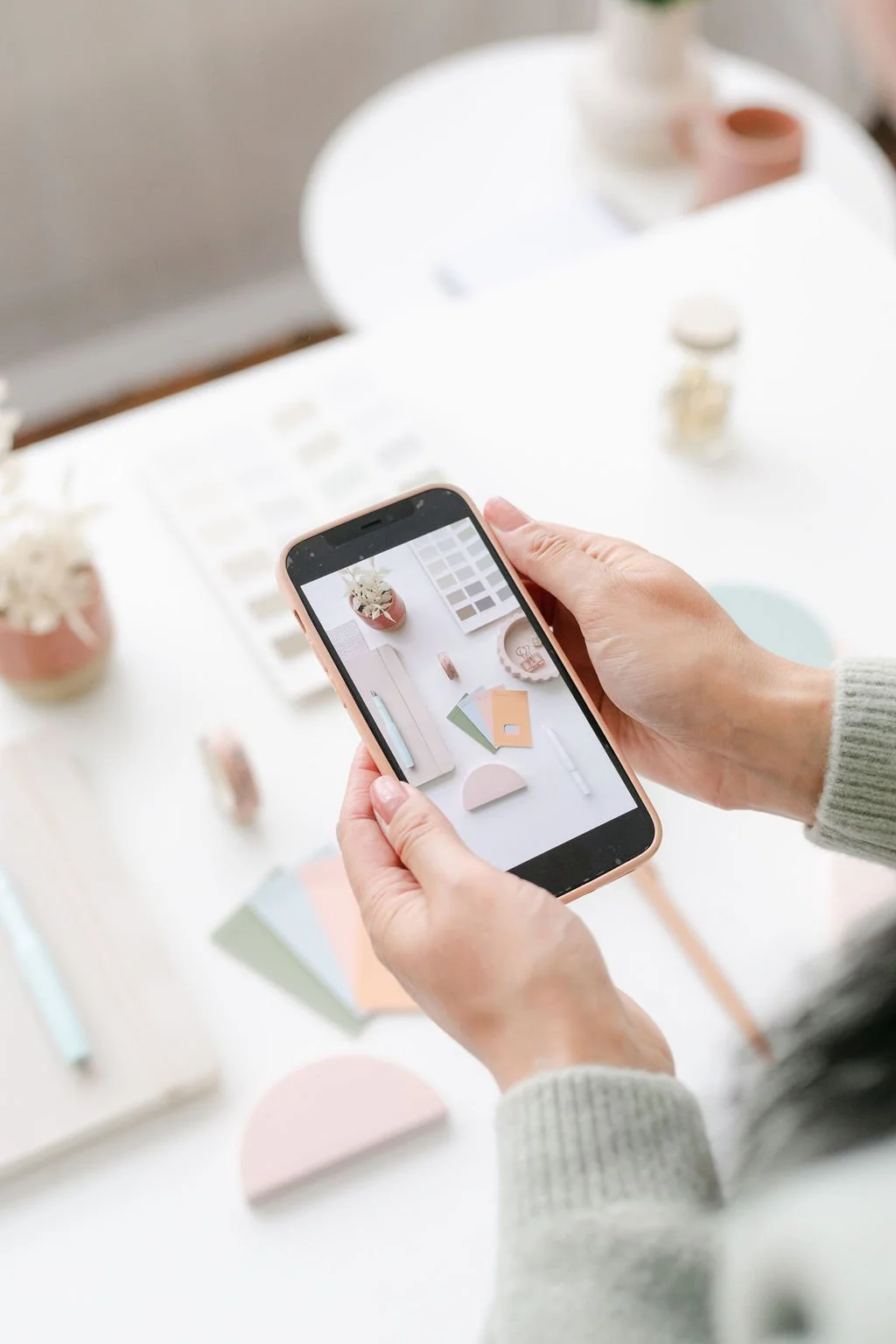
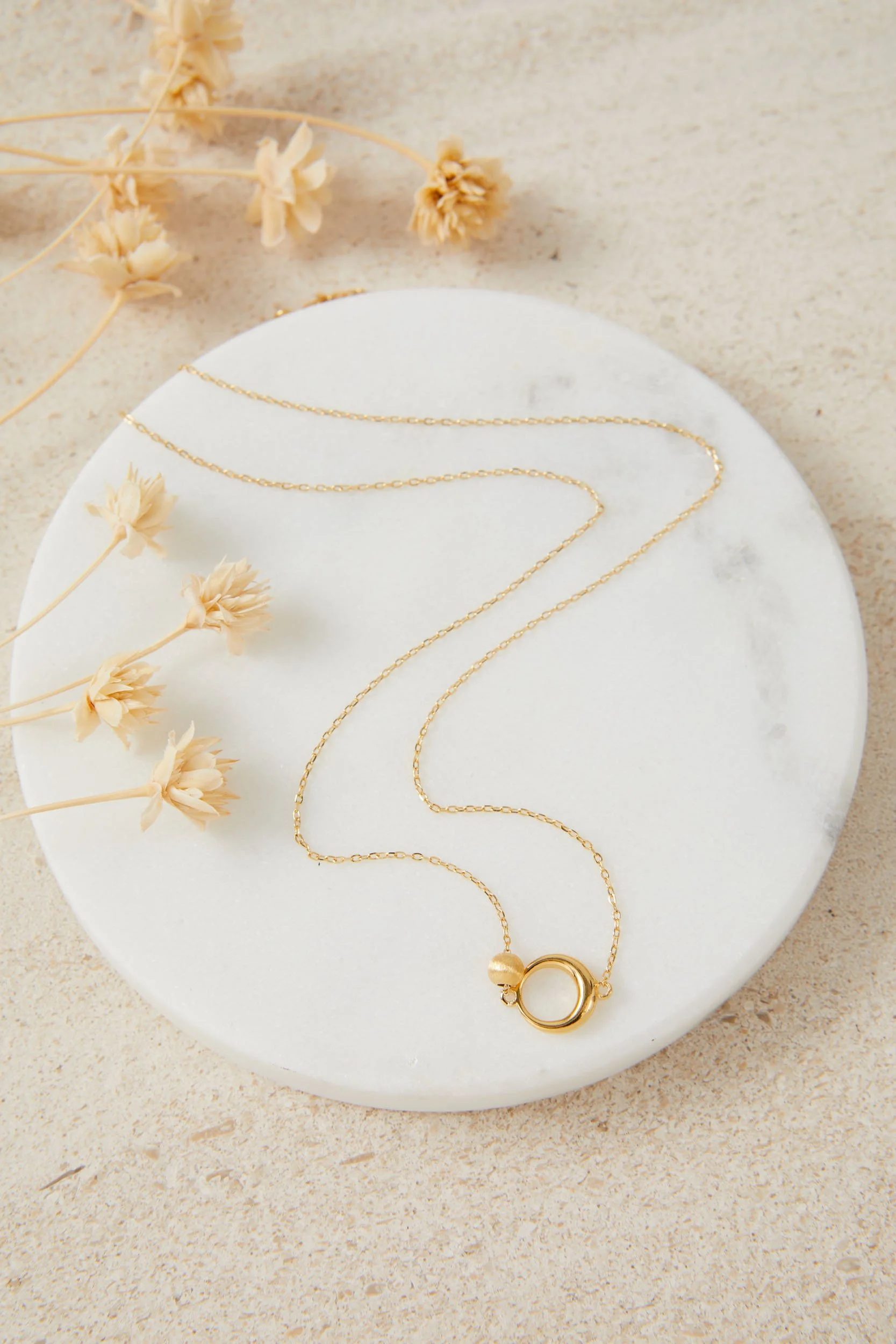
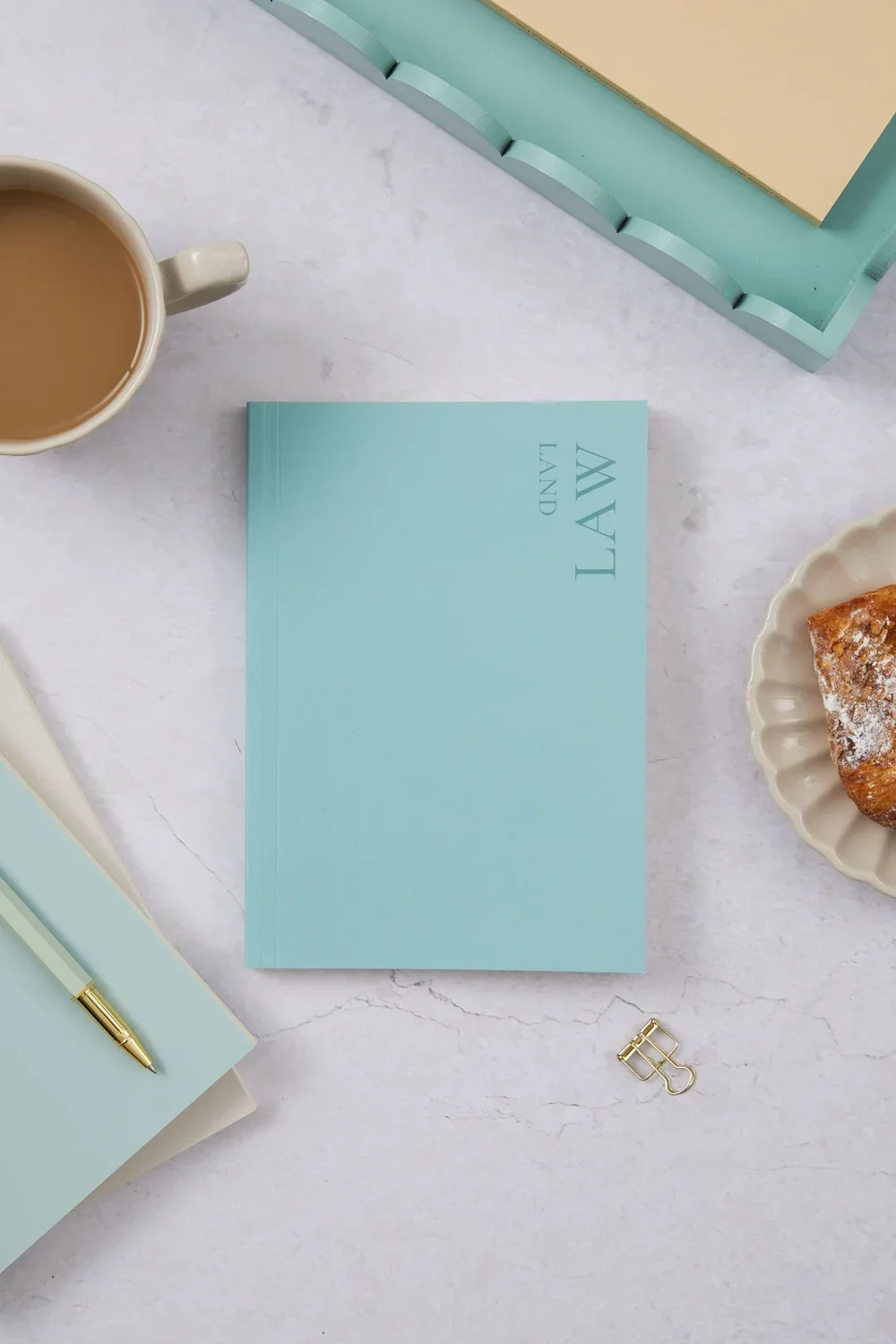
1. Your hero shot This is your thumbnail — the image that decides whether someone clicks on your listing or keeps scrolling. Keep it clean: your product centred on a neutral or on-brand background, filling most of the frame and style lightly. Get this one right first.
2. A lifestyle shot Show your product in real life — being worn, used, held, or styled in a setting. This is where buyers start imagining it in their own home or wardrobe. It's one of the most powerful photos you can take.
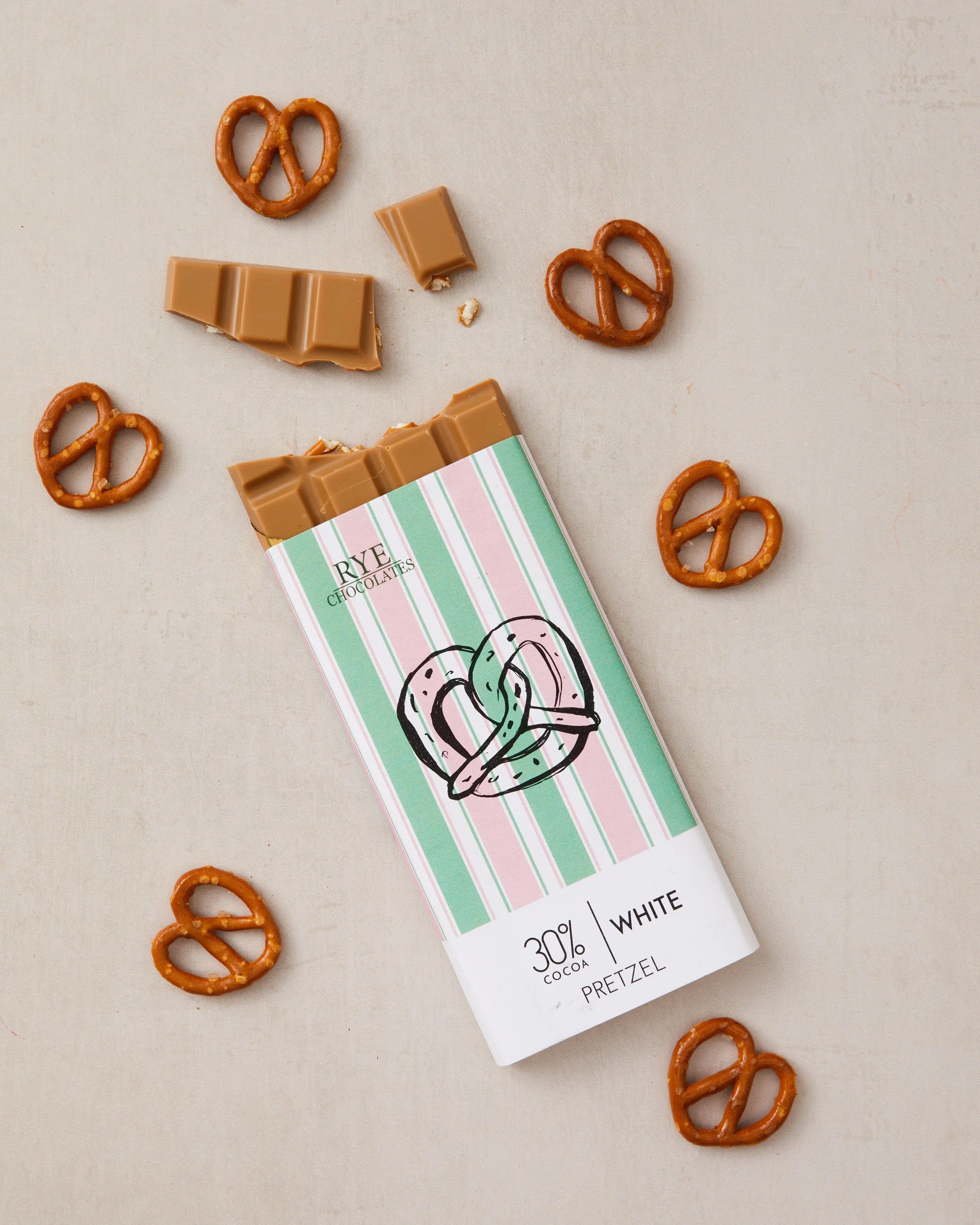
3. A scale reference Size surprises are one of the most common reasons for returns. A simple shot of your product next to a hand, a familiar object, or with a ruler removes all the guesswork.
4. A detail close-up This is where you show off your craft. Texture, stitching, print quality, finish — get close and let the quality speak for itself.
5. An alternate angle What does it look like from the back? The inside? The underside? Buyers want to feel like they've properly looked at something before they buy it.
6. Your variations If your product comes in different colours, sizes, or finishes — show them! Don't make buyers guess what the other options look like.
7. A size guide or dimensions graphic A simple text overlay with measurements can save you so many "how big is it?" messages in your inbox. Worth every second it takes to create.
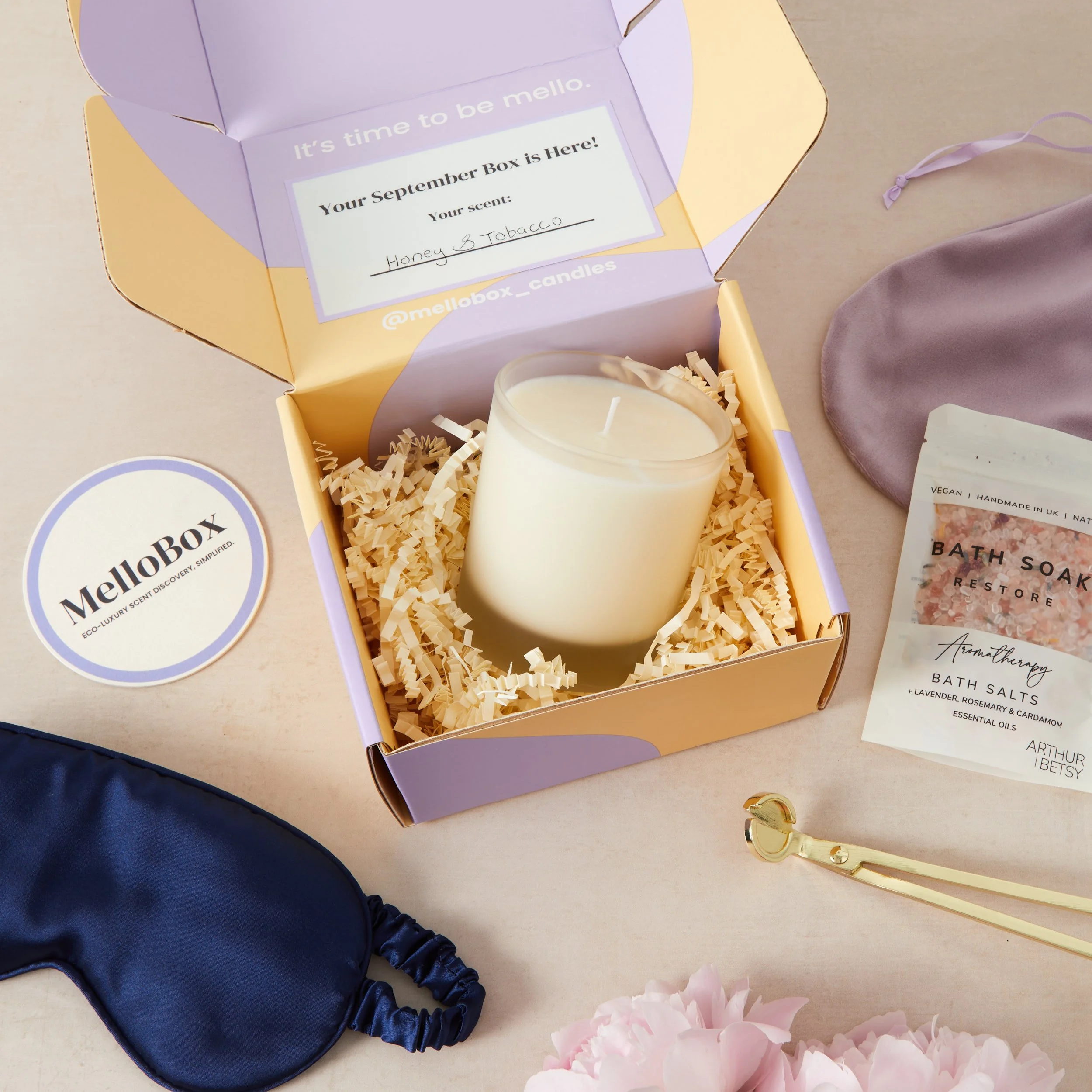
8. Your packaging How does it arrive? A beautiful packaging shot tells buyers it's going to feel special to receive — especially important if you're selling gifts.
9. Customisation options If your product is personalised, show a few examples of what buyers can expect. It builds confidence and reduces back-and-forth.
10. Swatches Show the different colour options with a swatch of colours
11. Collection If you the product is part of a larger collection, you can show an image of it. This can help upsell items.
12. Information graphics Item descriptions are a little tricky to see on Etsy, so you can highlight some of the key information with 1 or 2 images of a text description or bullet points.
And slots 13 to 20?
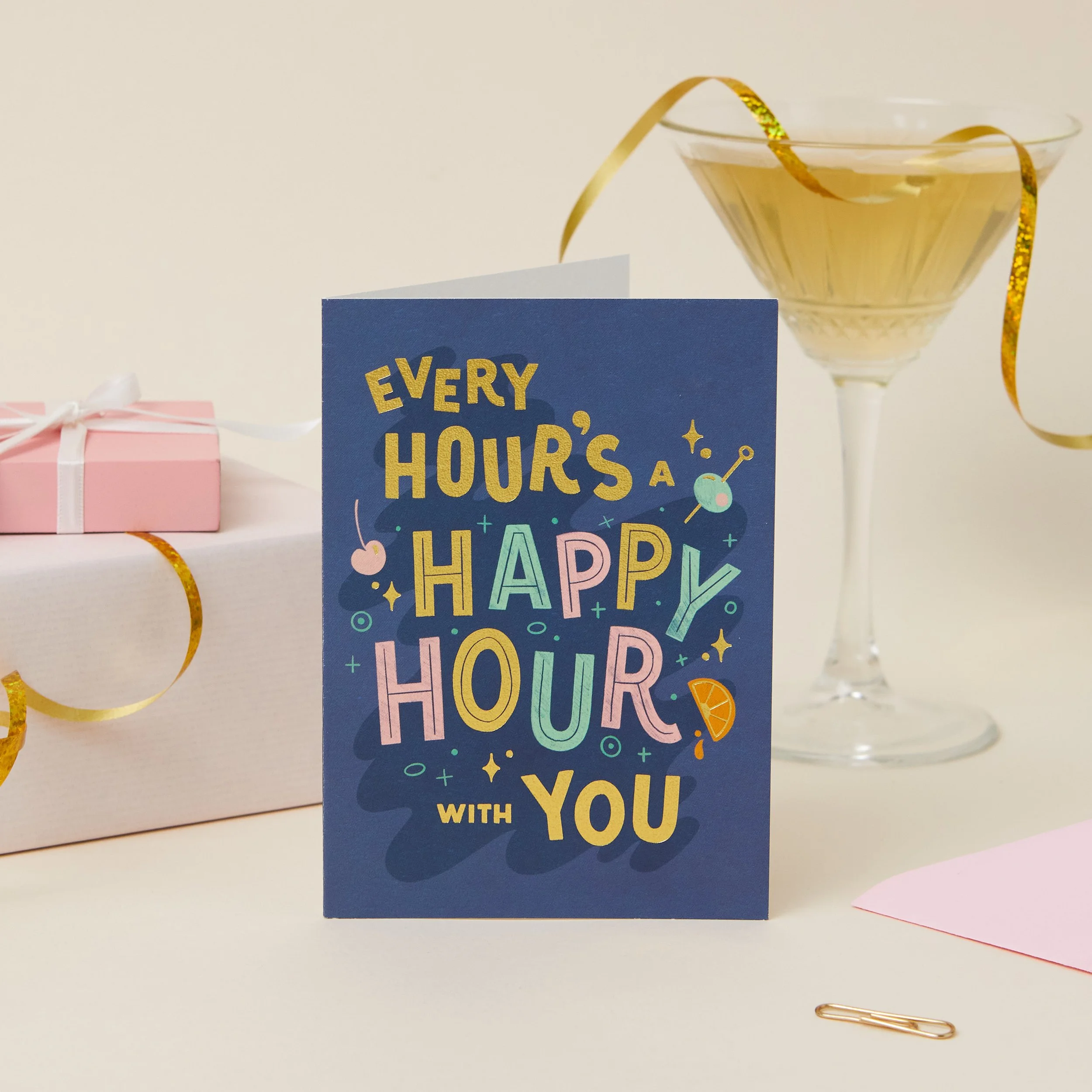
Use these for additional angles that answer a buyer question, bundle shots, or an alternative styling option. Every photo should earn its place, don't pad for the sake of it.
The sellers who treat their photo slots like prime selling space are the ones converting browsers into buyers. Now you know how!
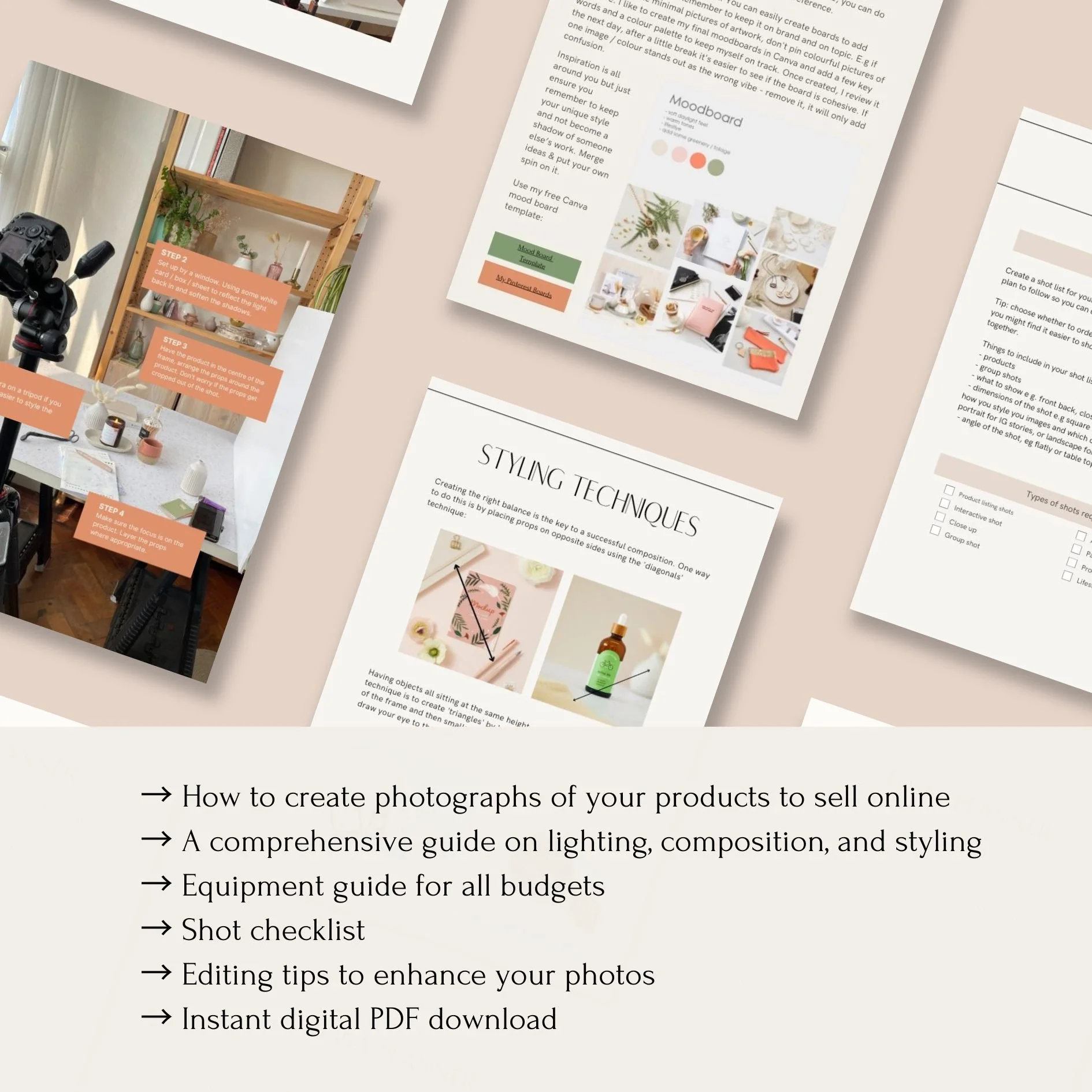
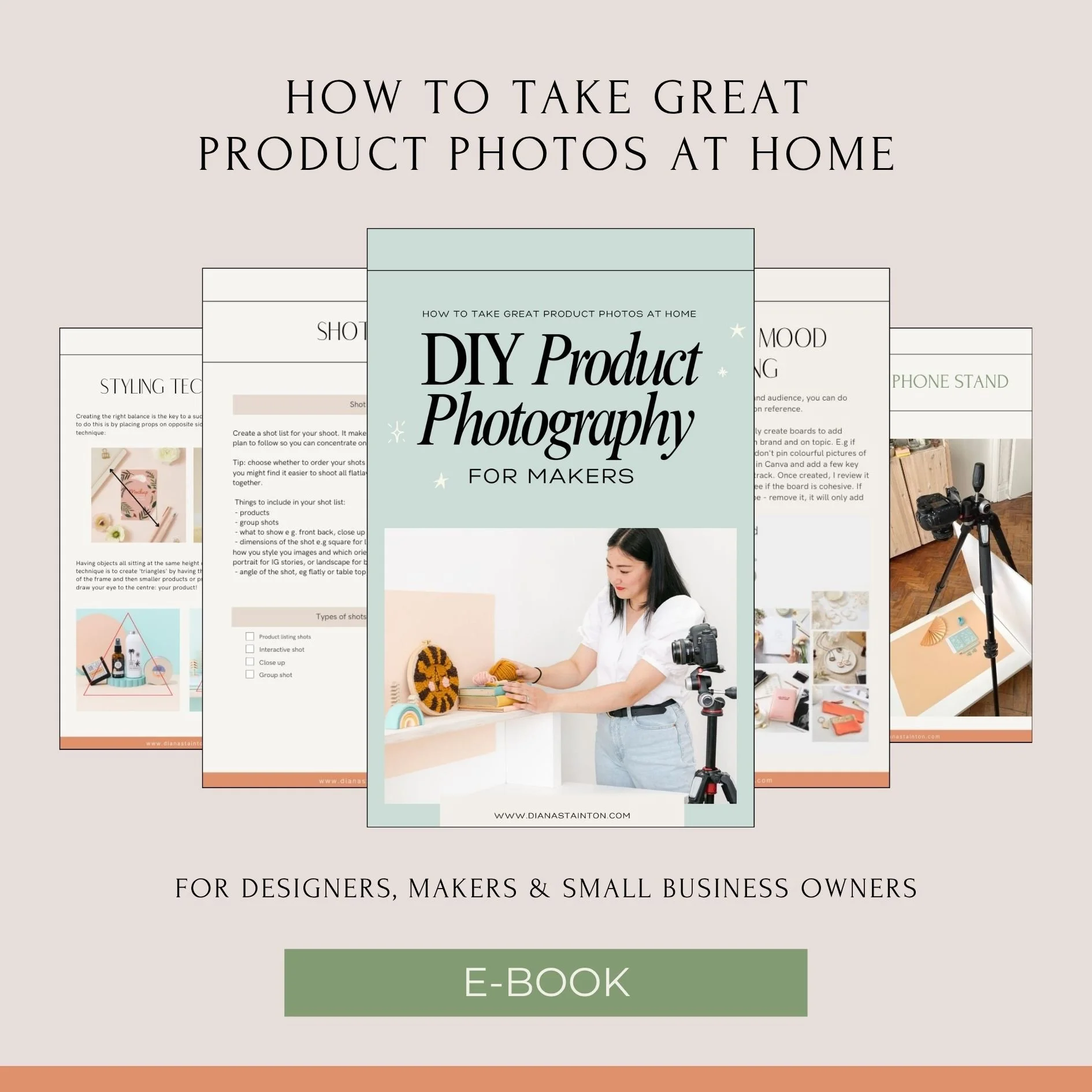
DIY Product Photography for Makers e-book
Want to feel more confident behind the camera? My DIY Product Photography for Makers e-book covers everything you need to plan, style & take photos that do your products justice. Grab a copy here: Product Photography Guide